
Once a non conformance has been created you can add one or more corrective or preventative actions against the non conformance.
To do this just click the 'Add Corrective Action' button, and then enter what the action was.
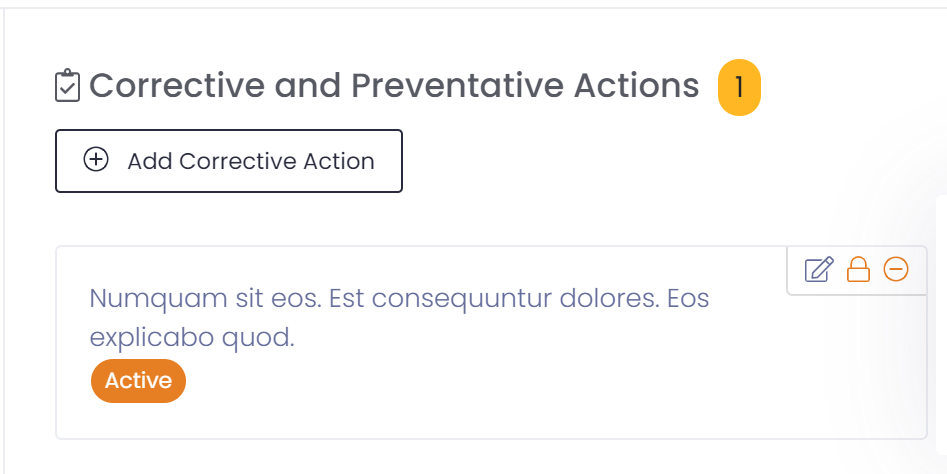
Corrective actions will be active when entered. Once the action has been addressed the corrective action should be closed by clicking the padlock button.

If need be you may re-activate the corrective action by clicking the unlock padlock button.

To edit the corrective action click on the edit button.

To delete the corrective action click on the delete button.
