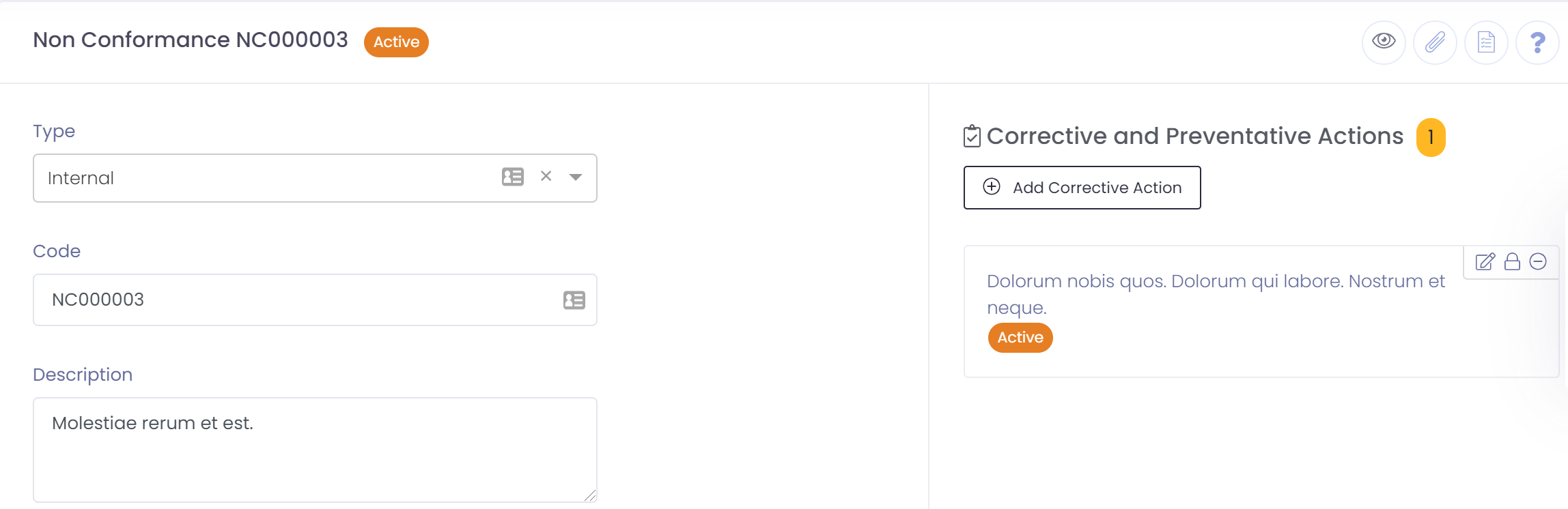
A non conformance should be created from one of the following:
- Inwards Goods Line
- Complaint
- Batch
- Raw Material
- Packaging
Creating the non conformance from the originating record links the correct detail together and creates an audit trail of the origin of the non conformance.
If however a non conformance is not related to any of the above it can be created directly from the non conformance list screen.
To create a non conformance perform the following steps:
- From one of the above entry points
- Click the button to add a non conformance
- Select the type and enter a description of non conformance
- If the non conformance relates to a standard operating procedure you can select and reference the procedure
- Assign a submitter or owner of the complaint. Must be a user within QTRACA
- Select the Likelihood and Severity of the non conformance. The rating will be calculated and displayed when saved
- Assign the responsible department and target date for completion
- Save non conformance