
Once you have created your report definitions you can access your reports through the top menu.
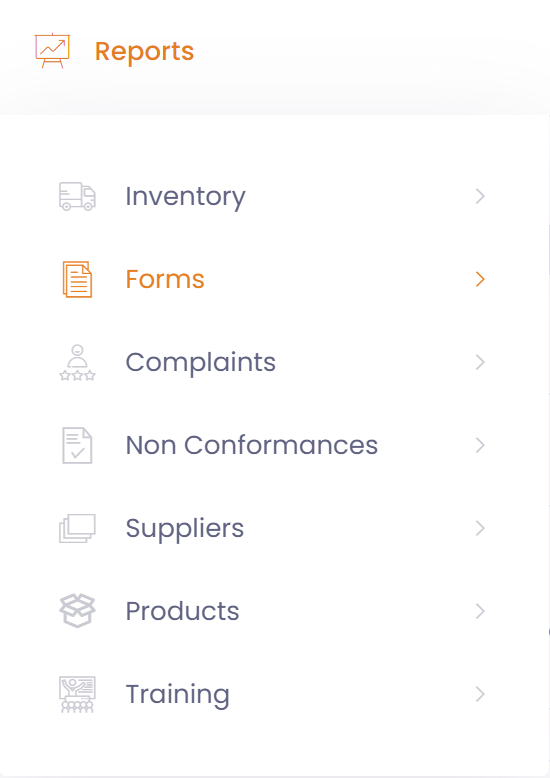
Selecting a report will display the report screen.

Here you can modify the default filter if you like
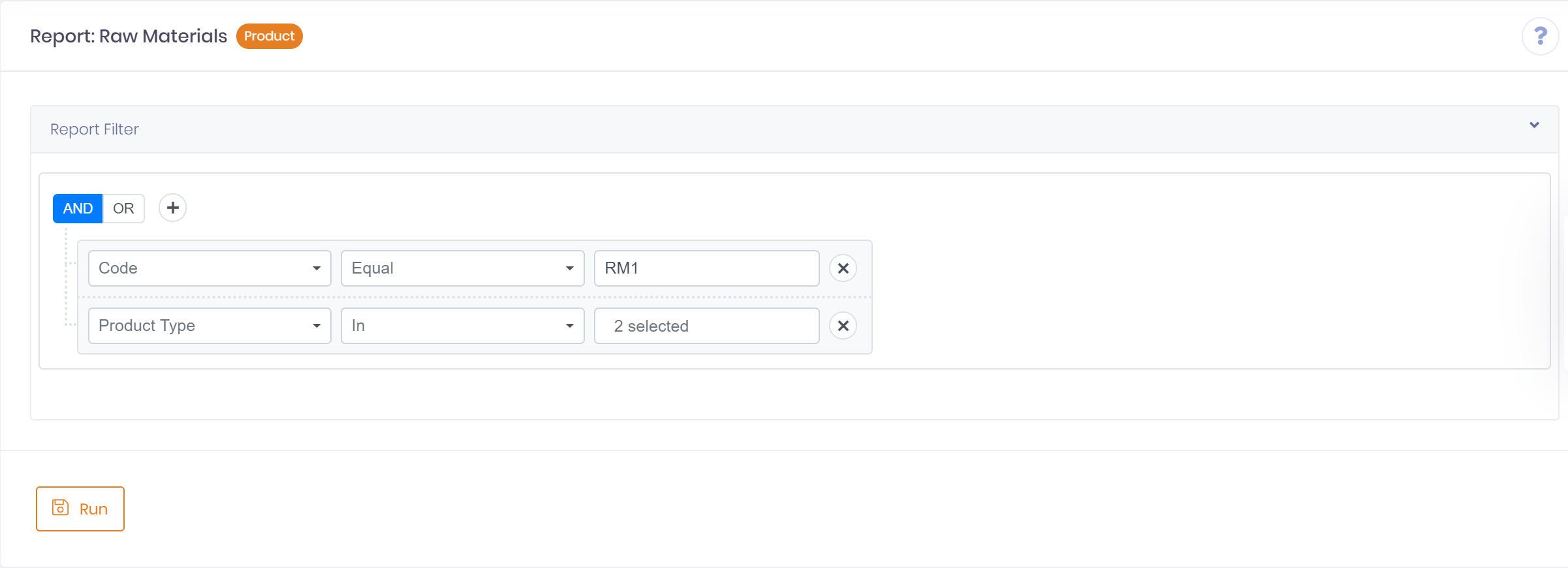
When ready you can 'Run' the report.
Note: Results returned to screen are limited to 2000 rows.
Once the report is run the results will be displayed in a dialog on the screen.
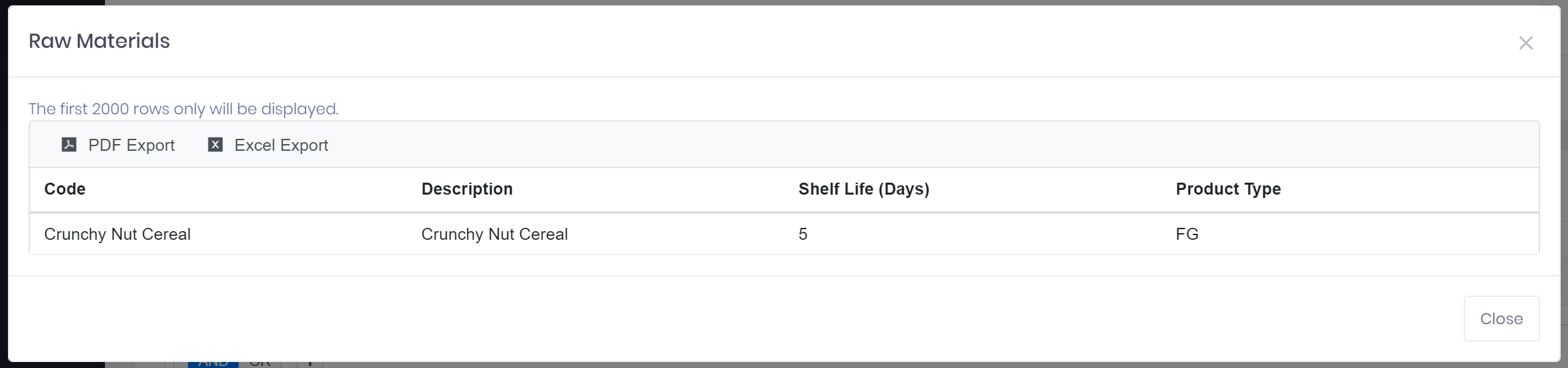
From the dialog the results can be easily exported to either Excel or PDF.