

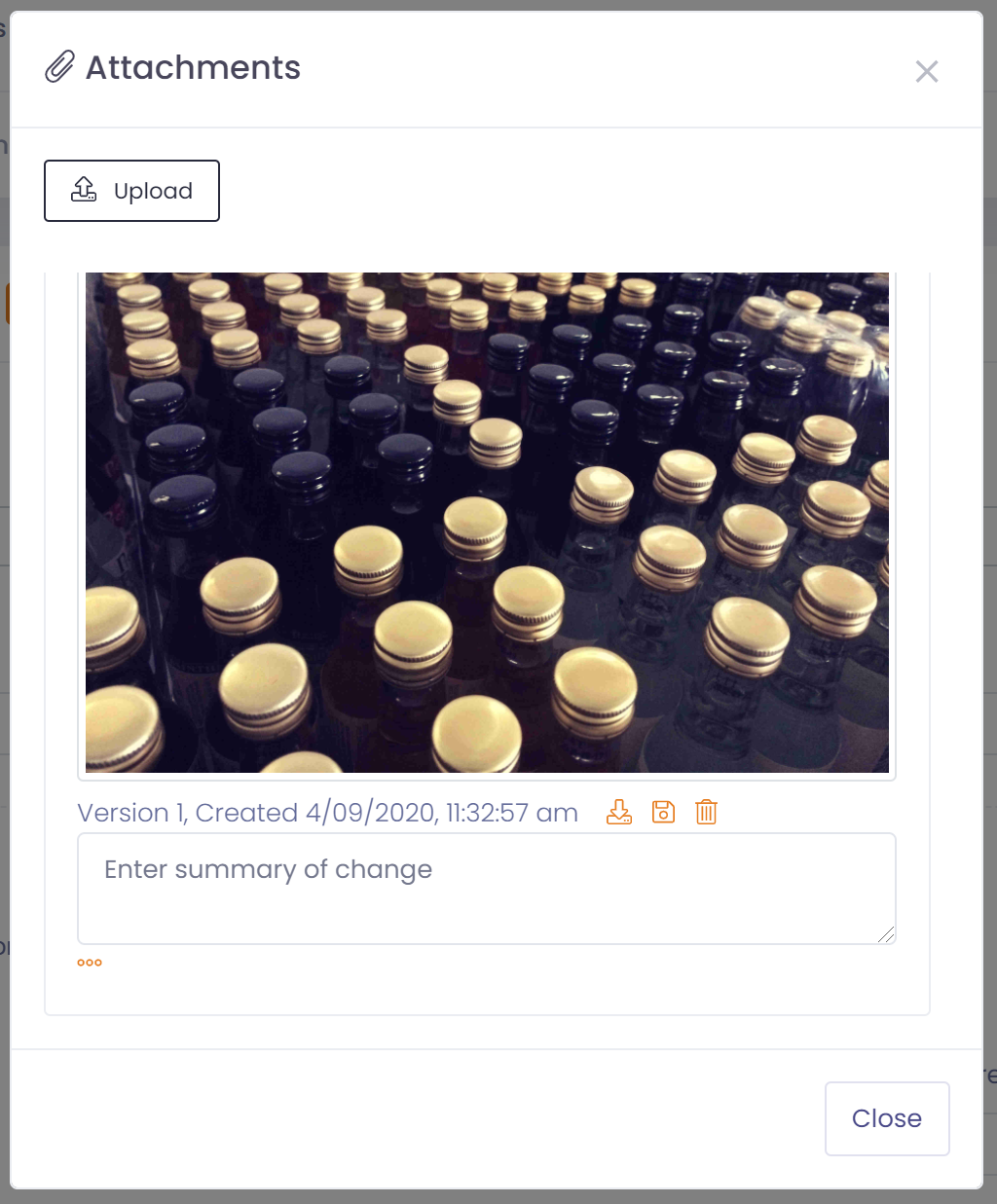
The attachment icon in the toolbar will allow you to attach any file to the associated record.
To add an attachment:
- Click the attachment icon in the toolbar
- Click the 'upload' button in the attachment screen
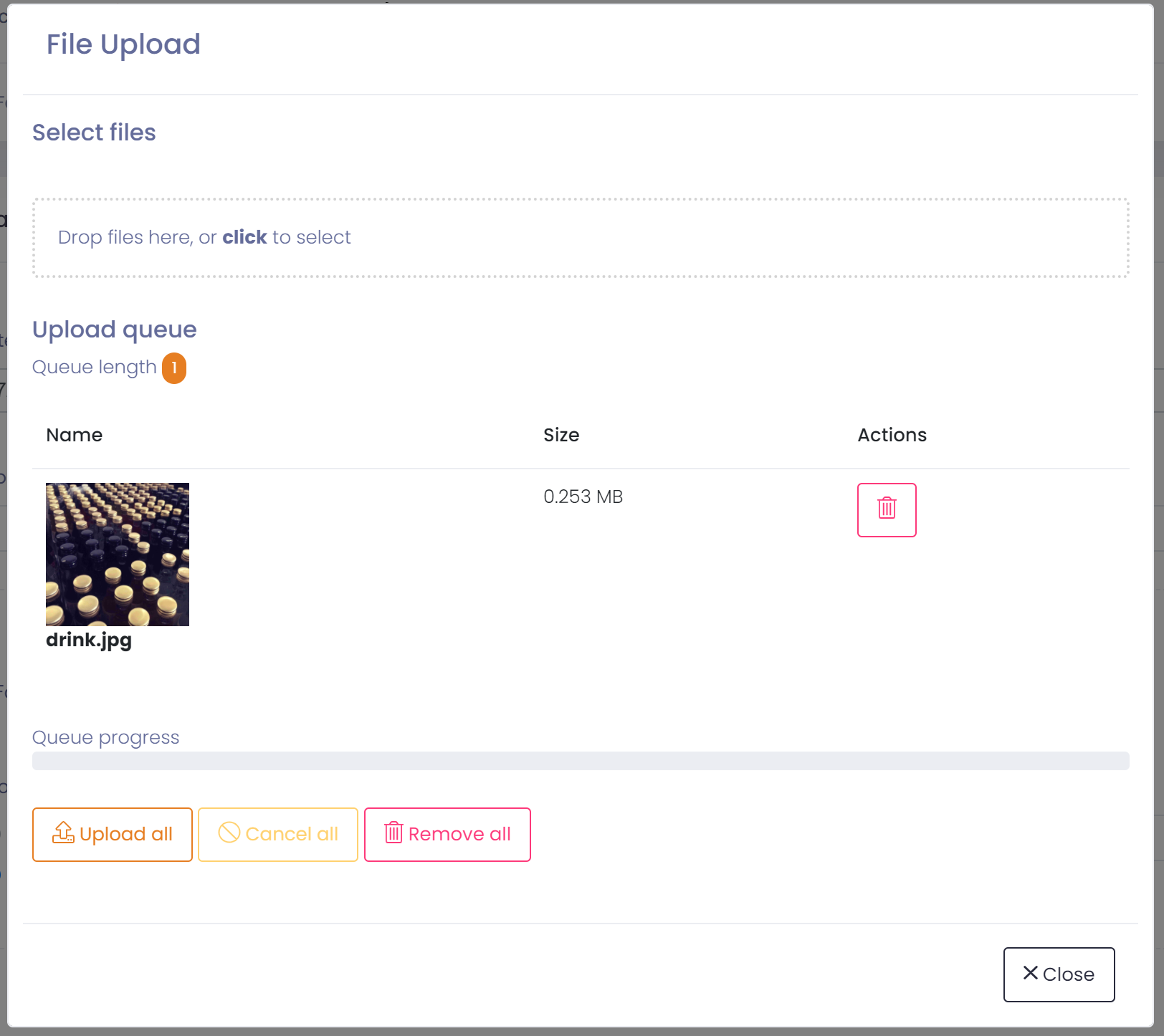
- Select the file(s) you wish to upload and press the 'upload all' button
- The attachments will be be uploaded
- Close the upload window
If a file is version controlled then every time you upload a file with the same name a new version will be created. If a file is not version controlled, uploading a file with the same name replaces the existing file.
You can enter a summary of changes for each version uploaded so you easily know what the differences were.
By clicking on the ellipses (3 orange dots) you will be able to see the previous versions of the document.
File Formats
Current file formats whitelisted for attachments are:
- jpg
- jpeg
- gif
- png
- docx
- doc
- msg
- xlsx
- xls
- numbers
- txt
- pages
If you wish to upload a different file type from the above contact support to see if they can enable your file type.