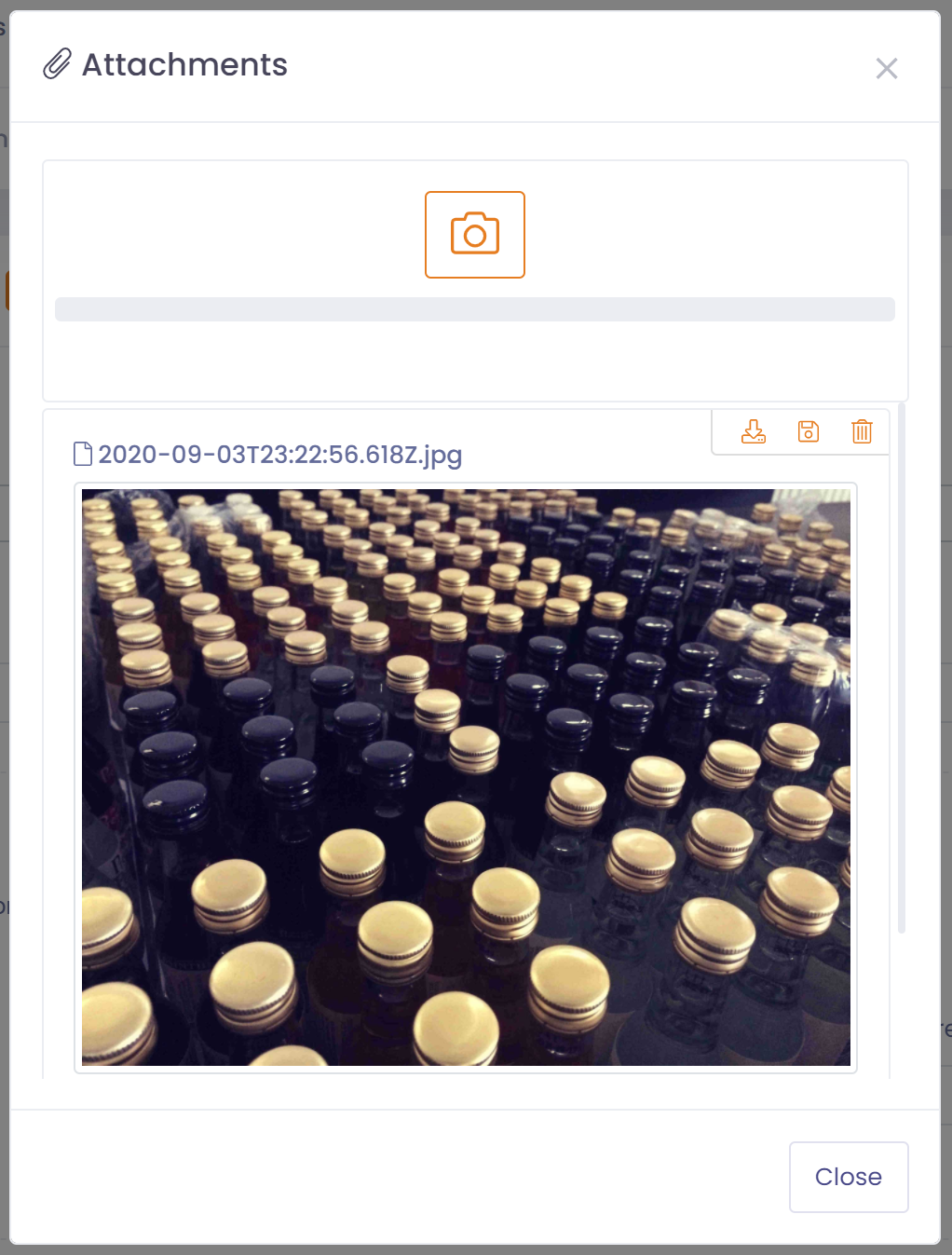
The camera icon in the toolbar will allow devices with a camera to take a photo and have it attached to the associated record.
To take a photo:
- Click the camera icon in the toolbar
- Click the camera icon in the attachment screen
- Select to use camera and take a picture
- Confirm to use picture
- Picture will be uploaded