
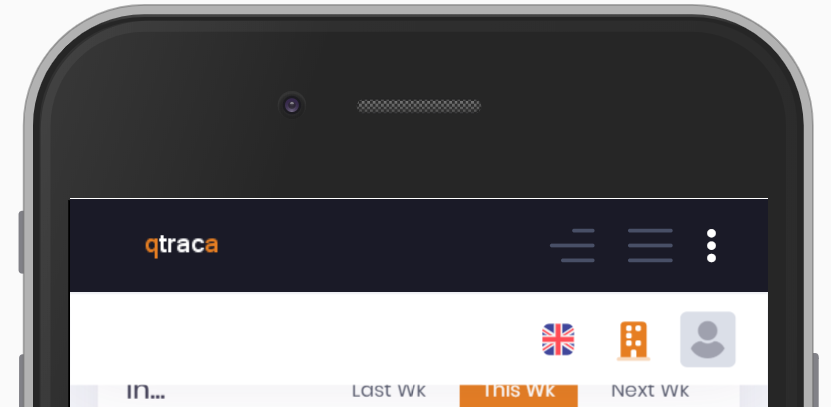
The top menu provides access to actions, language, site selector, and user profile.
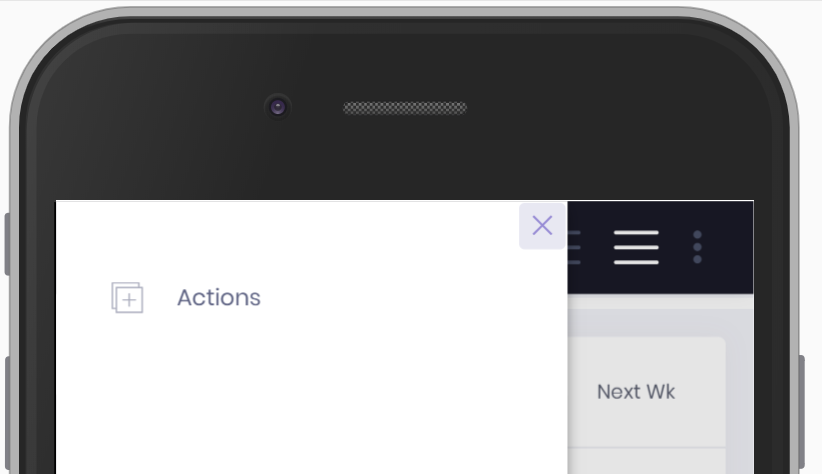
 | The actions menu item provides shortcuts to create some of the common records. |
 | The language selector enables the user to select a language. |
 | The site selector enables user to quickly switch between sites. |
 | The user profile displays basic information about the currently logged in user. |
Desktop
On the desktop the top menu is displayed across the top of the screen.

Mobile
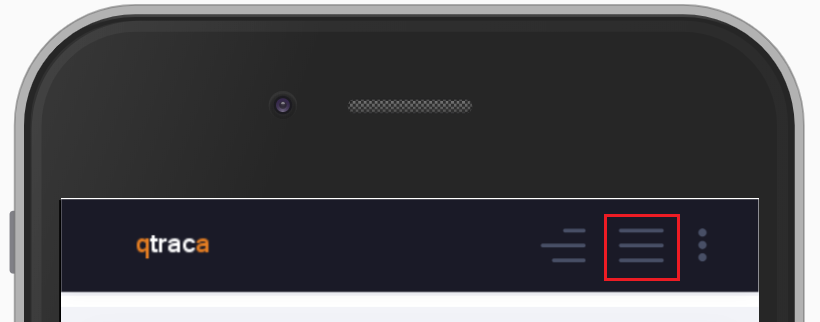 | The actions menus can be selected by pressing the button highlighted in the top menu. |
 |
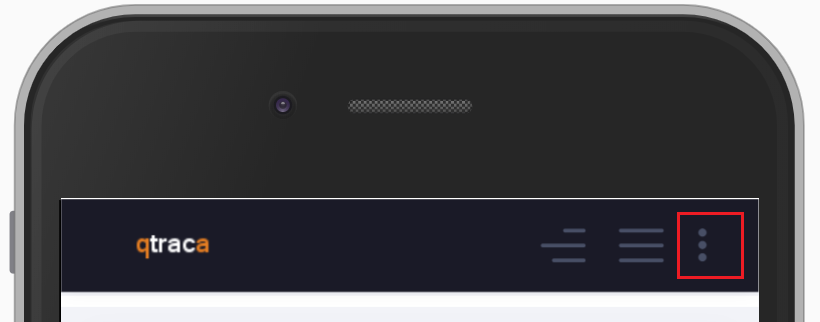 | The language, site, and profile selectors can be selected by pressing the button highlighted in the top menu. |
 |