
The aside menu is located on the left hand side of the screen. This menu provides access to the QTRACA features.
Desktop
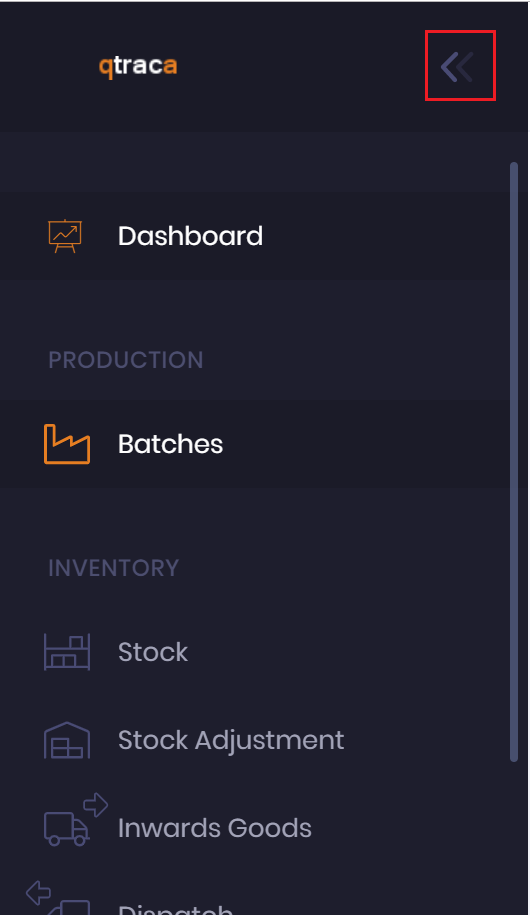 | The aside menu is expanded by default. It will stay locked on the screen while you work. Clicking on the left chevrons will minimise the aside menu. |  | When the aside menu is minimised it will auto expand when you hover over the menu. Having the aside menu minimised allows you more room to do your work. |
Mobile
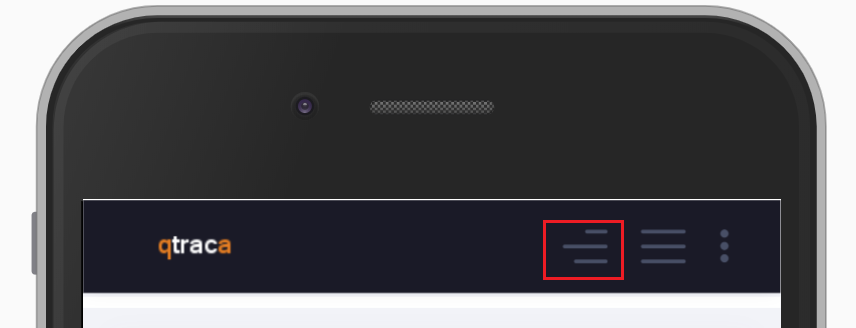 | On a mobile device the aside menu can be activated by pressing the highlighted button |
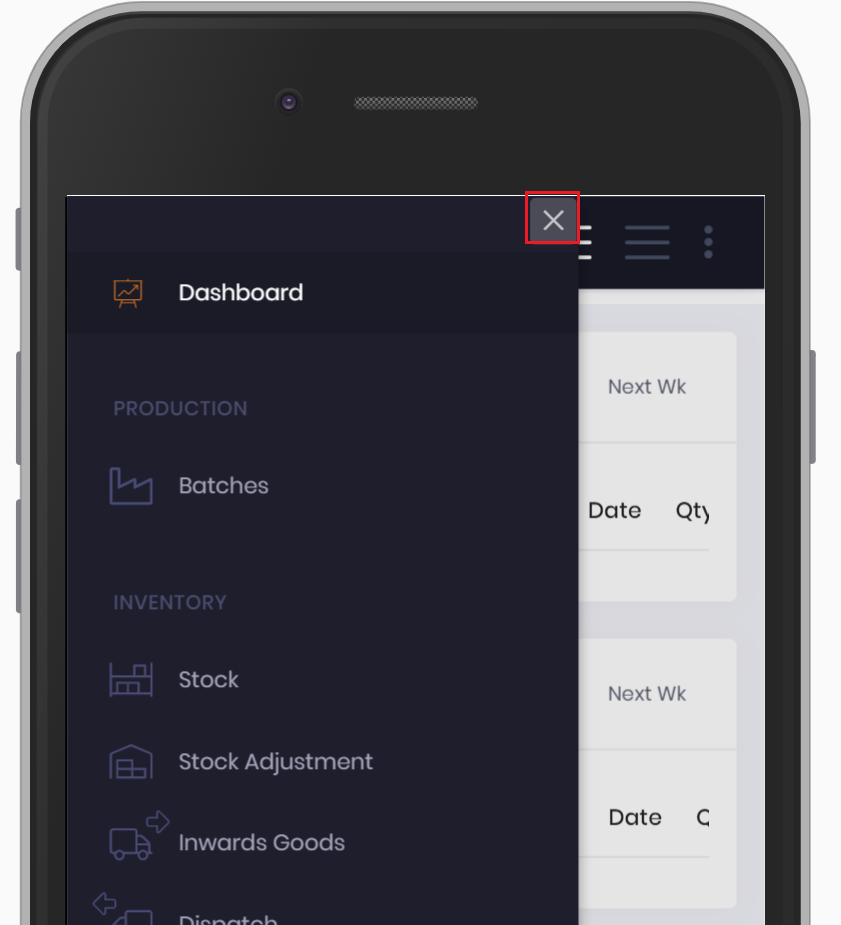 | After a menu item has been selected close the menu by clicking off it or clicking the cross button highlighted. |