QTRACA will run on all modern Android devices. Always make sure you are running the latest version for the best experience.
NOTE: On January 11, 2021 Android versions prior to v.7.1.1 will no longer be supported by QTRACA. Background and reasons for this change can be found here: letsencrypt certificate changes
We recommend using Chrome for the best experience.
QTRACA is classified as a progressive web application, which means it can be run on a phone or a tablet through a web browser, however it can be installed to your home screen and run as an application without having to download it from the Play Store. It is recommended you do this for the best experience.
When you open QTRACA for the first time on Chrome you will be prompted to install the application to the home screen.
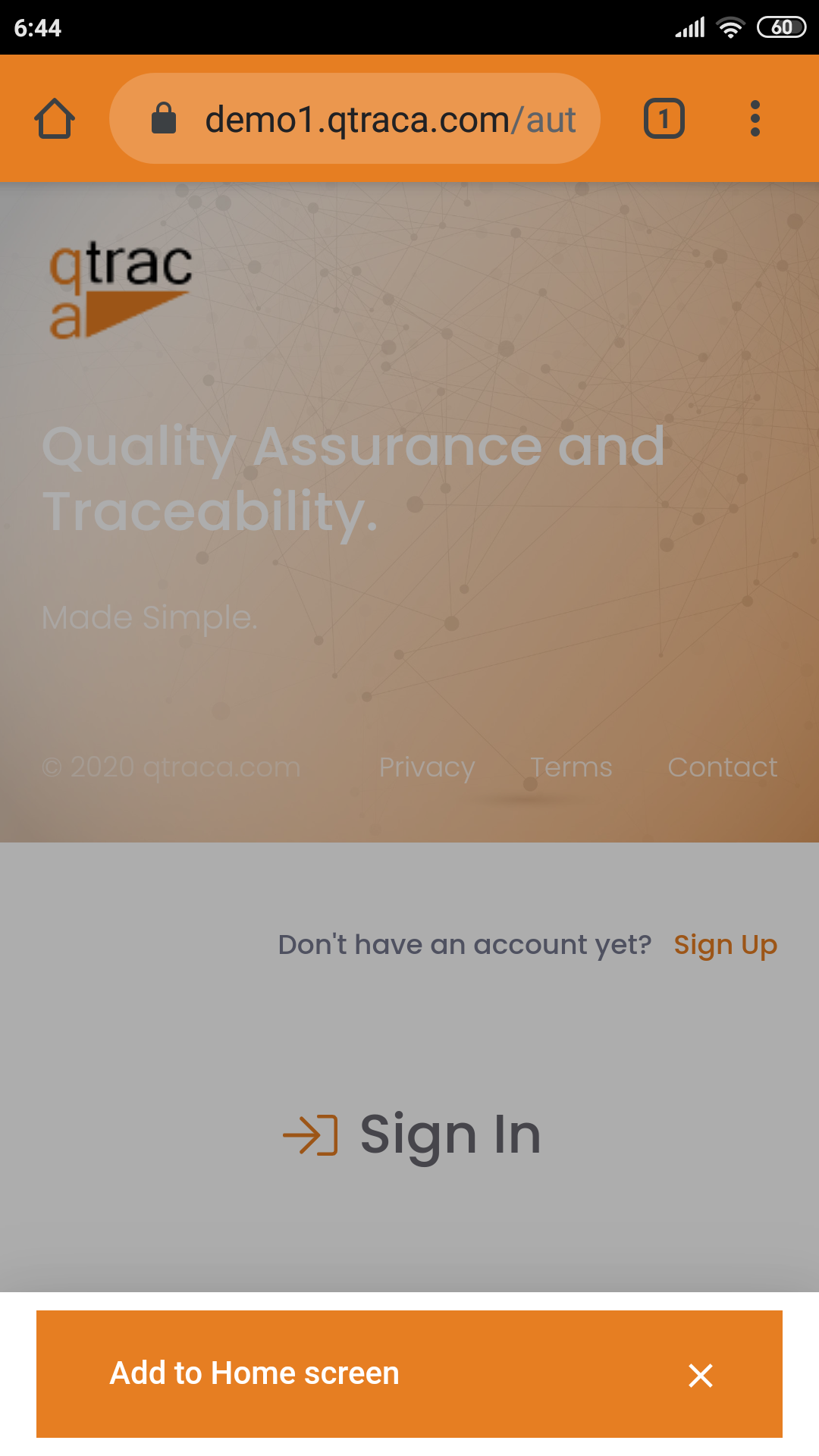
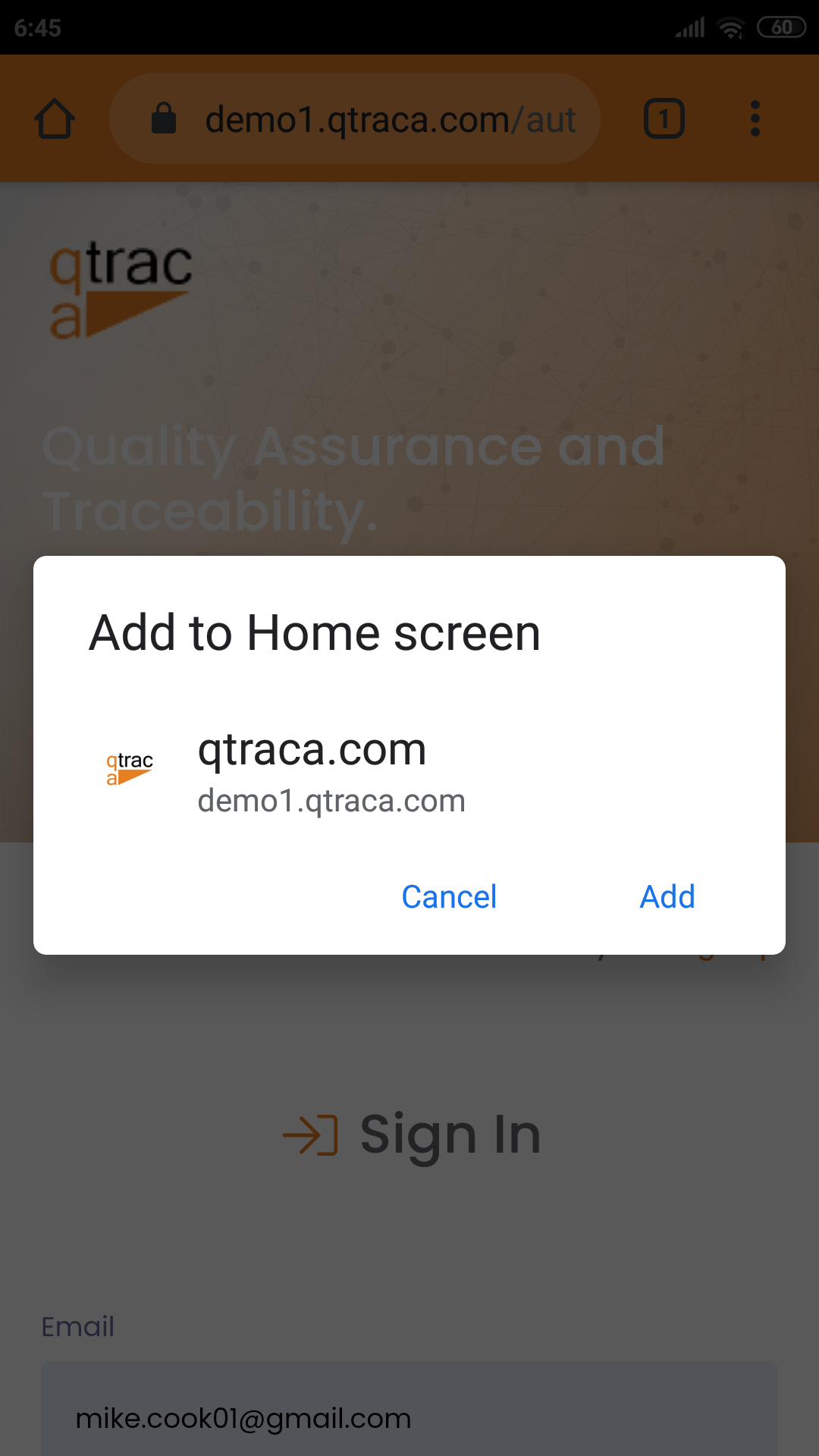
Clicking the 'Add to Home Screen' button will bring up another dialog asking to 'Add to Home Screen'. On this dialog click 'Add'.
QTRACA will now be available on the home screen of your device.